
Microsoft Fabric
AI-Assisted Data Cleansing in Microsoft Fabric
Microsoft Fabric now offers Copilot, AI functions and AI-powered shortcut transformations for data preparation. See what they do well, where people must stay in charge, and how to run a safe first pilot.

Published
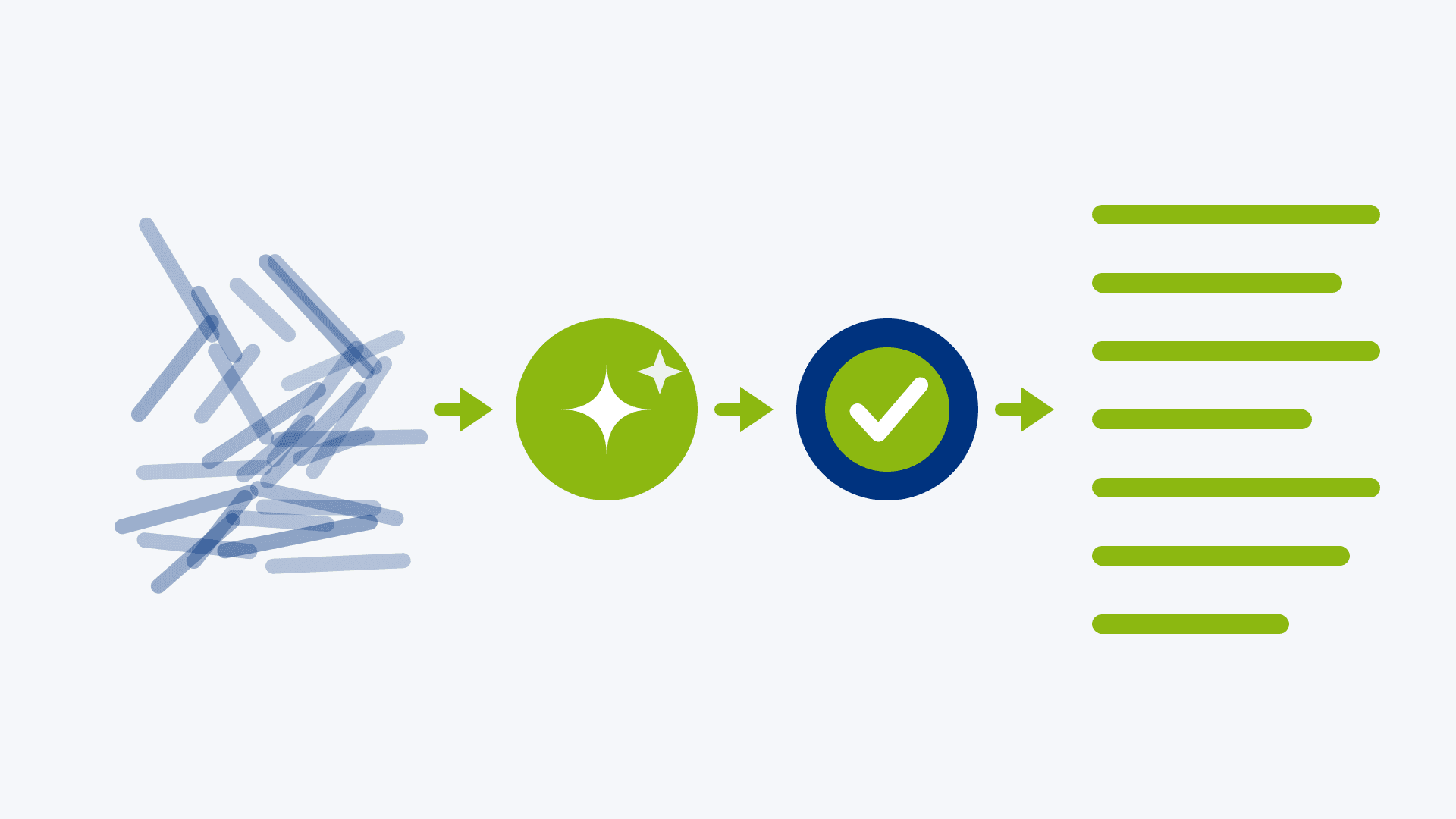
Every Monday, someone in the finance team spends the morning fixing the same problems: customer names typed three different ways, dates in mixed formats, free-text notes nobody can filter. It is skilled work done by hand, and it never ends.
AI can now take on much of that routine tidying inside Microsoft Fabric. It cannot decide what your business means by a clean record, which is where the value and the risk sit. This article explains what is available, what it is good at, and how to use it without losing control of your data.
What can AI do for data cleansing in Microsoft Fabric?
AI works like a fast sous-chef. It is excellent at the chopping: the repetitive, pattern-shaped jobs that eat hours. It should not decide the menu.
In practice that means AI suits tasks like these:
- standardising formats, such as dates or phone numbers
- sorting free text into categories, such as tagging support tickets or expense descriptions
- translating, summarising or correcting the grammar of text fields
- spotting and drafting fixes for missing or inconsistent values
It is much weaker at questions only your business can answer. Are "Acme Ltd" and "Acme Limited (Reading)" the same customer? Is a negative quantity an error or a return? Which of two conflicting addresses is the right one? Those are business rules, and they need a person who knows the answer.
This article is about the AI features built into Fabric. For the wider business case for AI in data profiling and cleansing, see our article How can I use the power of AI for Data Profiling and Cleansing?
Which AI features does Fabric offer for data preparation?
Data Wrangler with Copilot
Data Wrangler is a point-and-click tool inside Fabric notebooks. You see your data as a grid, choose operations, and get a live preview before anything changes. With Copilot you can instead describe what you want in plain English, such as "remove rows with missing values" or "standardise dates to YYYY-MM-DD". Copilot writes the code and shows a preview so you can check the result before applying it. The generated code is kept, so the step can be reused and reviewed.
One-click suggestions
Data Wrangler also suggests operations that suit your data, using rule-based AI from Microsoft Research rather than a chat model. Because they are rule-based, they behave more predictably.
AI functions
AI functions handle text tasks such as summarising, categorising, translating, sentiment analysis and grammar correction, without complex code. In Data Wrangler you find them under AI enrichments.
Shortcut transformations
When data arrives in OneLake through a shortcut, shortcut transformations can convert it to Delta format and apply AI-powered steps such as summarisation, translation and document classification as it lands. We introduce shortcuts in A Toolbox, Not a Moving Van.
Where should people stay in charge of AI data cleansing?
AI can be confidently wrong, and a wrong fix applied to thousands of rows is harder to spot than a typo in one. The safest pattern is that AI drafts and people decide.
Task | What AI can draft | What a person decides |
Standardising dates and text | The code to reformat them | Which format is the company standard |
Categorising free text | A label for each entry | The list of categories, and which borderline cases go where |
Matching duplicate customers | Candidate pairs that look alike | Whether they are the same legal entity, and which record survives |
Handling missing values | Suggested fills or removals | Whether a blank means unknown, not applicable or an error |
Translating or summarising | A first version | Whether the wording is acceptable for customers or regulators |
Four guardrails that cost little
- Preview before applying. Data Wrangler shows what a change will do before you accept it. Use that step, and look at the awkward rows as well as the tidy ones.
- Keep the original. Write AI output to a new column or a Silver table, never over the raw data. Bronze should stay untouched, as we explain in our medallion method article.
- Check a sample. Have someone who knows the data review a few dozen results each time the process runs, and record the error rate.
- Write down the rule. If AI suggests a sensible fix, turn it into a documented rule so the same result is repeatable and explainable to an auditor.
Also consider what data you send. If your content includes personal or confidential information, check your organisation's policy and Fabric's data processing settings first.
How do you start with AI-assisted data cleansing?
Run a small, low-risk pilot and measure it:
- Choose one annoying, text-heavy problem, such as inconsistent job titles or free-text complaint notes. Avoid anything that feeds financial or regulatory reporting at first.
- Ask your Fabric administrator to confirm the Copilot setting and capacity requirements above.
- Copy a few thousand rows into a Silver table in a test lakehouse, leaving Bronze untouched.
- Use Data Wrangler to try the fix, review the preview, and apply it to a new column.
- Have a data owner check a sample and note how many results needed correcting.
- If the error rate is acceptable, save the generated code, document the rule and decide how often a person will re-check it.
The measured error rate is the main result of the pilot. It shows whether AI belongs in this part of your process and how much checking it needs.
How can PTR help with AI in Microsoft Fabric?
We help you decide where AI is worth using and where it is not.
- Our Microsoft Fabric consultancy and Data Engineering and Data Integration teams design cleansing pipelines that combine fixed rules with AI where it helps, with the checks described above built in.
- Our Data Governance consultancy helps you set the policies for what data AI tools may process.
- Our tailored and blended learning training and mentoring teach your analysts to use Data Wrangler and Copilot safely, so the skill stays in your business.
For a deeper look at where AI could fit in your own data estate, get in touch about a free one-hour Microsoft Fabric consultation. Our article Why Microsoft Fabric Needs Agentic AI to Deliver Real Business Value takes the wider view.
MD
Mandy Doward
Managing Director
PTR’s owner and Managing Director is a Microsoft certified Business Intelligence (BI) Consultant, with over 35 years of experience working with data analytics and BI.
Frequently Asked Questions
Couldn’t find the answer you were looking for? Feel free to reach out to us! Our team of experts is here to help.
Contact Us