
Microsoft Fabric
OneLake Security: Set the Rules Once, Protect Every Report
OneLake security lets Microsoft Fabric apply one set of row, column and table rules to every report, notebook and AI tool. Learn how it works, where organisations go wrong, and the questions leaders should ask their data team.

Published
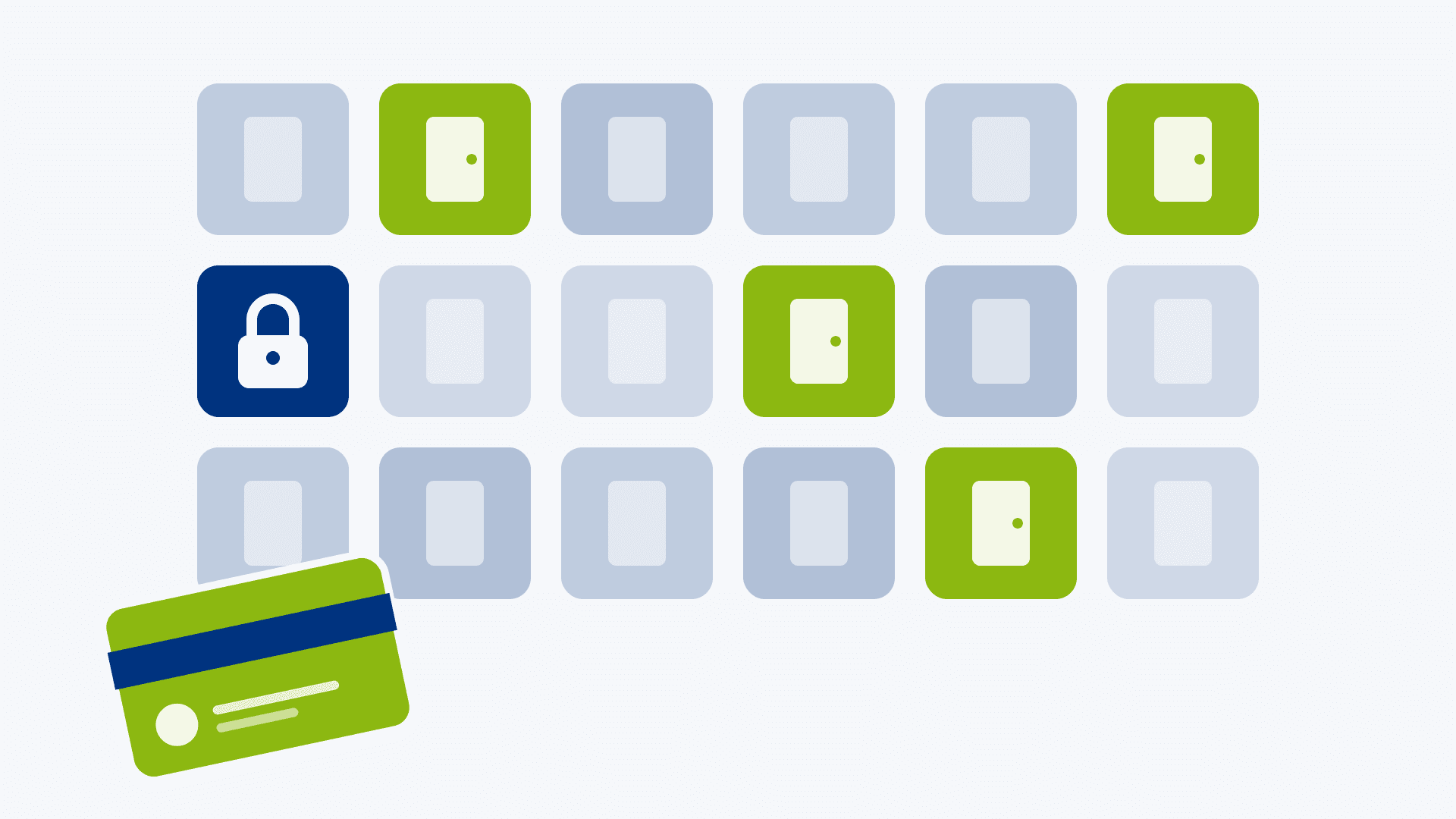
A sales manager should see her own region's figures. A contractor should see no customer names at all. Finance should see everything. That often means three copies of the data, three sets of rules and a permanent worry that one of them has drifted.
OneLake security in Microsoft Fabric aims to replace that patchwork with a single set of rules that travels with the data. This article explains it in plain terms for leaders and governance teams, and shows how it fits the Bronze, Silver and Gold layers.
What is OneLake security and why should leaders care?
OneLake security lets you decide once who can see which tables, rows and columns, and Microsoft Fabric then applies those rules wherever the data is used. A hotel key card works the same way: it opens your floor and your room, and nowhere else, whichever lift you take.
Without it, protecting data usually means copying it. Each copy gets its own rules, and over time the rules drift apart. With OneLake security, the rules sit with the data. Microsoft says they are enforced whether someone queries through a Spark notebook, a Power BI report or a Fabric data agent.
For a leadership team, that means:
- Fewer copies of sensitive data, and so fewer places for a leak to happen.
- Consistent answers to auditors, because one set of rules can be shown and tested.
- Safer AI. An AI assistant working on your data sees only what the person asking is allowed to see.
- Less waiting. Managers can get access to the slice of data they need without IT building a separate report for each audience.
OneLake security became generally available in spring 2026.
How does OneLake security work?
Fabric protects data on two separate levels, and mixing them up causes a lot of confusion.
Control plane | Data plane | |
Plain-English question | What can this person do to the item? | Which data can this person see? |
Everyday comparison | The facilities team can repaint the office | Who can open the HR filing cabinet |
Where it is set | Workspace roles and item sharing | OneLake security roles |
Detail available | Whole items | Folders, tables, rows and columns |
OneLake security is the data plane. A role has four parts: what it allows (such as read), which data it covers, any row or column limits, and which people or groups are in it. Roles are built on Microsoft Entra identities, so you can use the groups you already manage.
Rows and columns
Row-level security shows each person only the rows that apply to them, such as one sales region. Column-level security hides specific columns, such as salary or date of birth. It is the difference between handing someone a whole ledger and handing them only their own pages with the sensitive lines blacked out.
Three points that catch organisations out
- Workspace role comes first. OneLake security roles govern people in the Viewer role or with Read permission on an item. Admins, Members and Contributors already have access to all data in the workspace, so the rules do not restrict them. Who you put in which workspace role matters as much as the rules themselves.
- A default reader role exists. Every lakehouse has a DefaultReader role that gives anyone with the ReadAll permission access to the lakehouse. You can edit or delete it, and you should decide deliberately which you want.
- Shortcuts follow the source. Where data is reached through a shortcut, the roles defined in the lakehouse where the data actually lives apply. The tenant setting that allows apps outside Fabric to access OneLake data must also be enabled for shortcuts to work with OneLake security.
Evidence for auditors
OneLake diagnostics records who accessed data, and changes to security roles appear in the Fabric audit log. That gives you a record to show when someone asks who could see what, and when it changed.
How does OneLake security fit the Bronze, Silver and Gold layers?
Microsoft recommends medallion architecture as the design approach for Fabric, and its guidance keeps each layer separate, in its own lakehouse or warehouse, with data moving between them as it is refined. It goes further and recommends putting each lakehouse in its own workspace, because that gives you more control and better governance at layer level.
That gives you two levels of protection. Workspace roles decide who can reach each layer at all, and OneLake security roles then decide which tables, rows and columns they see inside it. In our article on the medallion method we explain that each layer has different readers. Microsoft sets the structure; the audiences and rules below are our interpretation, and the pattern we would typically start from:
Layer | Who needs it | Suggested approach |
Bronze | Data engineers and auditors | Tightest access. Raw data may contain everything, including personal details, so keep the audience small. |
Silver | Data engineers and data scientists | Access for the people building and modelling. Hide or exclude sensitive columns that models do not need. |
Gold | Business users and analysts | The widest audience, so this is where row-level and column-level rules do most of their work. |
Two habits help. First, keep sensitive detail out of Gold unless the business needs it, because data that is not there cannot leak. Second, write down the reason for each rule in business language, so an auditor or a new colleague can understand it without reading a configuration screen.
There is an alternative: one lakehouse per business domain, with a schema for each layer, which Fabric's schema support makes possible. OneLake security roles can be scoped to individual schemas and tables, so the layers can still be kept apart. The trade-off is that you give up the workspace boundary Microsoft recommends, and anyone with an Admin, Member or Contributor role in that workspace can see every layer. Treat it as a deliberate design decision rather than the default.
If you organise your data estate by business domain, Microsoft suggests setting up the medallion layers within each domain, which works with either approach.
What should leaders and governance teams ask?
You do not need to understand the configuration to ask the right questions. Put these to your data team:
- Who holds the Admin, Member and Contributor roles in each workspace, and do they all need to see all the data?
- Have we decided what to do with the DefaultReader role in each lakehouse?
- Which columns count as sensitive, and who has signed that list off?
- Who approves a request for access, and how often do we review who still has it?
- Where data arrives by shortcut, are the rules defined in the lakehouse where the data actually lives?
- Is OneLake diagnostics switched on, so we can show who accessed what?
- When we use Copilot or a Fabric data agent, have we tested what a restricted user actually sees?
A good answer to each is a name, a date and a written rule. A vague answer tells you where to start.
How can PTR help with OneLake security and data governance?
Security rules only work if the people behind them understand them, so we pair design work with training.
Our Data Governance and Microsoft Purview consultancy services help you agree what needs protecting, who owns it and how access is approved and reviewed.
Our Microsoft Fabric consultancy team sets up roles, row and column rules and testing across Fabric.
Our training covers governance roles through a short "Getting Started" workshop, and platform administrators through Fabric training that includes security, permissions and best practice. We can tailor it to your own workspaces.
To talk through your own set-up, get in touch about a free one-hour Microsoft Fabric consultation.
MD
Mandy Doward
Managing Director
PTR’s owner and Managing Director is a Microsoft certified Business Intelligence (BI) Consultant, with over 35 years of experience working with data analytics and BI.
Frequently Asked Questions
Couldn’t find the answer you were looking for? Feel free to reach out to us! Our team of experts is here to help.
Contact Us